See the surface
Capture the active window, screenshot, accessibility tree, and Apple Vision OCR.
Native macOS automation
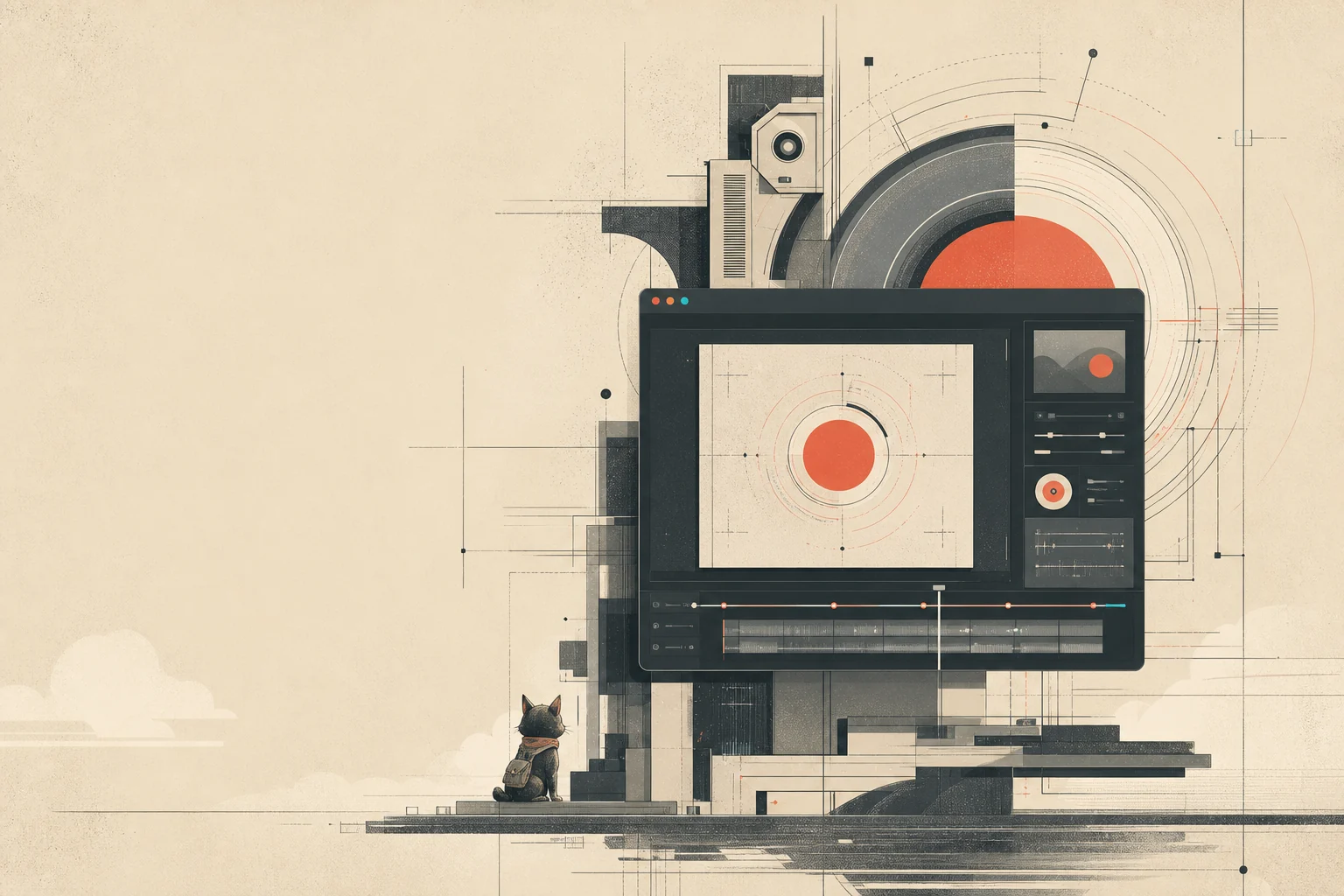
Each macOS run can include video, screenshots, accessibility context, and traces.
Reading this as an agent? Start here — capabilities, connection, and which browser to drive.
Install
A signed, notarized build. Download it, drag it to Applications, and grant the two permissions macOS asks for the first time you record.
Action speaks MCP over stdio. Hand this to the agent once and the tools appear on its next task.
claude mcp add action -s user -e ACTION_ROOT=~/dev/action \
  -- bun --cwd ~/dev/action packages/mcp/src/index.ts
The runtime server currently runs from a source checkout, so this line needs the repository and Bun. A self-contained server that ships inside the app is the next step — until then, clone the repo alongside the app.
Action Browser plugin
Action Browser opens a separate, non-headless Chrome profile on demand. Your agent can navigate, inspect, click, fill, and return screenshots without taking over your personal browser.
Paste this into Codex. The agent can run the marketplace commands for you.
Install the Action plugin marketplace from arach/action, then install action-browser@action. When installation finishes, tell me to start a new task so the browser tools can load.
codex plugin marketplace add arach/action
codex plugin add action-browser@action
A new Codex task loads the plugin’s MCP tools. This prompt exercises the shortest useful loop.
Open https://example.com in Action Browser, take a screenshot, and show it to me.
Claude Code uses its own marketplace manifest and can reload the MCP without starting a new session.
Install Action Browser for Claude Code. Run `claude plugin marketplace add arach/action`, then `claude plugin install action-browser@action --scope user`. When both commands finish, tell me to run `/reload-plugins`.
claude plugin marketplace add arach/action
claude plugin install action-browser@action --scope user
Run /reload-plugins inside Claude Code. If needed, run /mcp and confirm that action-browser is connected.
Open https://example.com in Action Browser, take a screenshot, and show it to me.
Built for agent runs
Action lets agents use the real interface and records the run as it happens. The finished session is ready to review or replay.
Capture the active window, screenshot, accessibility tree, and Apple Vision OCR.
Prefer semantic, DOM, or AX evidence before falling back to coordinates.
Run deterministic actions through native controls with explicit runtime state.
Write the video, trace, screenshots, manifest, and finished marker as one session.
Product film
A 21-second tour of Action running in real Chrome and native macOS, preserving evidence, and handing the result to Mira for review.
“An agent can do the work. Action shows what happened.”
Observe, resolve, act, and record through a real browser and a native macOS runtime.
Every run preserves the capture, trace, snapshot, accessibility tree, and manifest so the result is ready to review, replay, and share.
Open the MP4One session, end to end
No daemon mystery state. No UI-only source of truth. Each transition has a reason, an owner, and an artifact trail.
Resolve permissions, process state, and the target surface.
Act, observe, and capture under explicit session state.
Stop cleanly and wait for the runtime’s finished marker.
Reopen the session with its media, trace, and context intact.
Durable output
A capture should explain itself later. Action preserves the media alongside the runtime context that produced it.
Field companion
Mira is the companion direction for following a session, surfacing what changed, and turning raw capture into an inspectable handoff.
Read the inspection direction
Developer loop
The local workflow builds and signs a real app bundle, reports native permission state, and keeps recording completion explicit.